
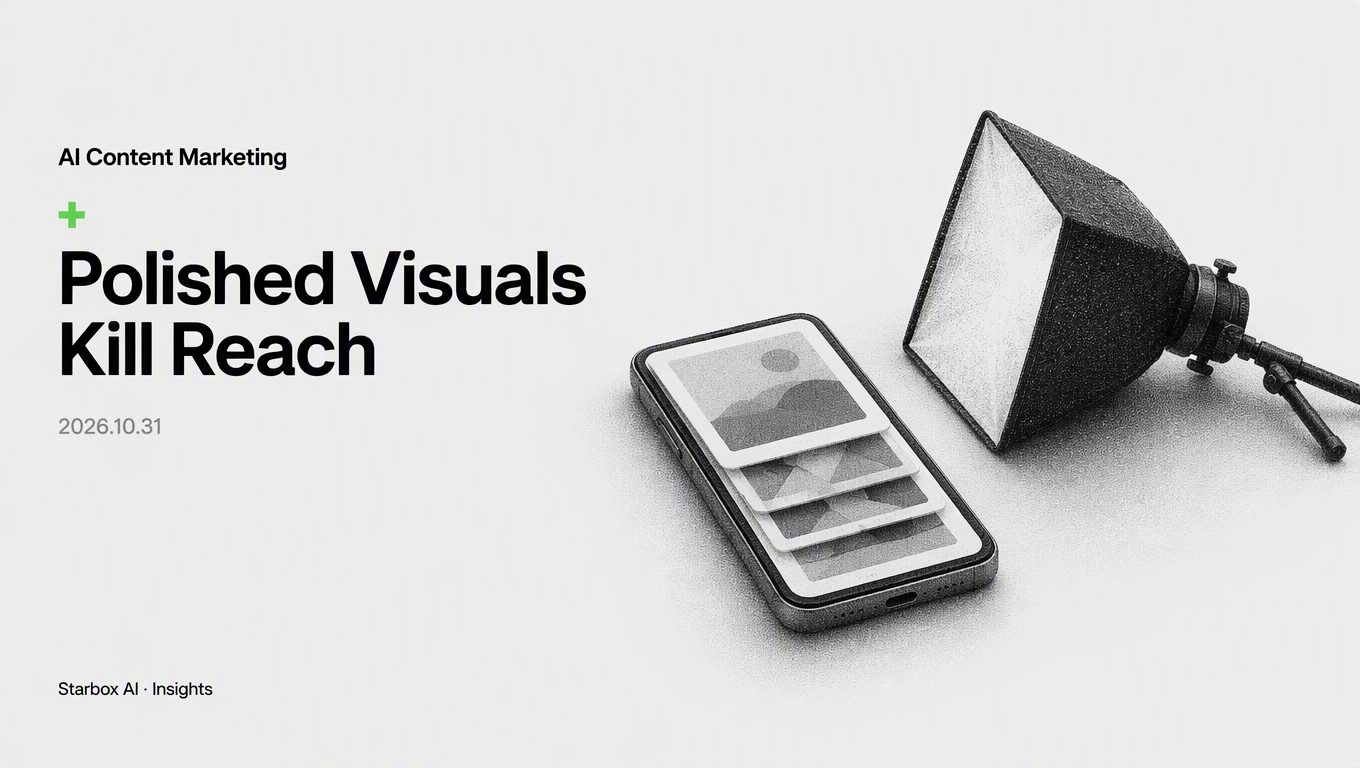
Why Ultra-Polished Visuals Kill Reach on Douyin Carousels
The short answer
Douyin rewards dwell time and authenticity. Hyper-polished AI visuals trigger ad resistance, while raw, contextual scenes keep users reading.
A marketing director from a home water purifier brand recently asked me to review their cold start on Douyin (TikTok's Chinese sister app). His team had generated hundreds of product images using AI image tools. The lighting, composition, and polish rivaled luxury fashion campaigns—they even perfected the refractive gleam on tiny water droplets. Confident in the visual quality, he launched ten image-text carousel posts on a brand-new account. Every single one flatlined at 200 to 300 views.
That same week, a competitor snapped a quick photo of an under-sink installation using a smartphone, slapped two lines of bold text over the cluttered background, and racked up over 10,000 likes.
"Does Douyin's recommendation algorithm simply fail to recognize high visual quality?" he asked.
The opposite is true: the algorithm recognized it immediately. More importantly, users scrolling their feeds detected it within 0.5 seconds. The subconscious verdict was instant: This is an ad trying to sell me something.
Visual strategy for Douyin carousels differs fundamentally from traditional e-commerce banners. Treating AI image generators like digital design agencies for glossy ad collateral is why so many account launches fail.
Mistake 1: Mistaking Studio Polish for Quality—and Tanking Dwell Time
When new teams produce AI visuals for Douyin, their most common reflex is pursuing visual perfection.
Designers trained in traditional brand marketing pack their prompts with terms like "masterpiece," "hyper-detailed," "cinematic lighting," and "8K resolution." The resulting outputs feature immaculate countertops, golden-ratio sunbeams, and stainless-steel surfaces without a single fingerprint.
That style works on an outdoor billboard or in an annual report. In a Douyin recommendation feed, it is fatal.
Users open Douyin to unwind and peer into real lives. When a flawless, studio-grade image suddenly appears on screen, their internal ad filter kicks in instantly. The brain issues a reflex command: Swipe away.
The primary metrics that push content past the baseline traffic pool are dwell time and swipe-away rates. Studio-grade polish drives first-second bounce rates through the roof. The recommendation engine marks the content as unwanted and shuts down distribution.
Mistake 2: Centering the Product and Stripping the Context
Many operators instruct their AI tools to place the product dead center, blur the background into a smooth bokeh, and aim all artificial lighting directly at the item.
This layout comes directly from traditional e-commerce catalog listings. In a search-driven marketplace, users arrive with purchasing intent; a centered, isolated product lowers search friction. In a social feed, however, users are not browsing a retail aisle—they are scrolling for solutions, stories, or novel perspectives.
A pristine water purifier centered against a neutral blur offers only one layer of information: I am for sale. There is no narrative context to hold the viewer's gaze.
Effective carousel visuals need environmental tension. Let the product sit as an ordinary prop within a lived-in room: a crowded cabinet corner, an open shipping box, or a kitchen counter with an unfinished mug sitting next to it. Visual clutter and natural noise signal authenticity. The viewer's eyes linger to take in the scene, which keeps dwell time high.
Mistake 3: Prioritizing "Brand Aesthetics" Over Information Density
Marketing leaders often report up the chain about "visual consistency" and "elevated brand tone." Teams spend days locking down standardized color palettes, branded frame borders, and luxury typography for a new account.
This misses the primary objective of a cold start: validating content topics and capturing public traffic.
A Douyin carousel is fundamentally a slide deck. The aesthetic value of a single image pales in comparison to the informational value delivered across the sequence. If an image fails to communicate a conflict, an unresolved question, or a counterintuitive point within two seconds, subtle color palettes will not save it.
During the launch phase, set aside rigid brand guidelines. Treat every image as a visual friction point designed to pause the scroll. Build cognitive contrast directly into the frame—pair a tiny component with an unexpectedly large benchmark object, or place the product in an unconventional setting. That contrast is what unlocks algorithmic reach.
The Anti-Aesthetic Audit for Douyin AI Carousels
To evaluate AI-generated visuals for Douyin carousel content, drop traditional polish metrics and audit assets against these five authenticity standards:
| Dimension | The "Studio Trap" (Fails) | The Native Authenticity Standard (Passes) | Prompt Correction Direction (Examples) |
|---|---|---|---|
| Lighting & Environment | Three-point studio lighting, rim light, Tyndall effect | Natural daylight, standard overhead fluorescent, uneven shadows | Remove cinematic lighting; add harsh fluorescent lighting, ambient indoor light |
| Scene Tidiness | Pristine countertops, Scandinavian minimalism, zero clutter | Visible signs of daily life: water marks, cables, crowded surfaces | Remove clean and neat; add messy background, real-life cluttered desk, everyday room |
| Camera Feel | 8K render, extreme shallow depth-of-field, razor-sharp macro | Smartphone photo, slight digital noise, deep focus | Remove masterpiece, 85mm lens; add shot on smartphone, casual snapshot, raw photo |
| Composition & Angle | Centered, golden-ratio alignment, standard catalog staging | First-person POV, tilted angle, candid slice-of-life crop | Remove commercial photography; add POV angle, slightly tilted angle, candid shot |
| Product Condition | Mint condition, floating in space, zero dust or fingerprints | Active use, half-unboxed, held by a human hand | Remove isolated product; add in-use condition, hand holding the item, unboxing moment |
How to Generate High-Retention Native Visuals with AI
You do not need different AI software to fix these issues. You simply need to adjust your prompting framework across three steps:
1. Strip Empty Adjectives and Add Hardware Constraints
Audit your existing prompt templates and cut decorative quality descriptors. Words like "stunning," "breathtaking," and "flawless" pull your AI outputs directly toward commercial stock-photo training data.
Replace them with explicit device and lighting constraints: specify a mid-range smartphone rear camera, indoor overhead lights, and subtle motion blur. Ground the output in visual textures that users associate with their own camera rolls.
2. Introduce Environmental Friction and Contrast
Instruct the AI to introduce narrative tension through composition.
If you are showcasing home appliances, avoid generating a sterile showroom setup. Instead, place the unit on a crowded bathroom counter in a small rented apartment, or juxtapose modern hardware against weathered tile walls. Visual contrast halts the user's thumb and buys your content the critical first 1.5 seconds.
3. Add Raw Post-Processing Touches
Do not publish raw AI outputs directly. Before scheduling a carousel post, open a basic photo editor or mobile markup tool. Add a red circle around an unexpected detail, drop a simple arrow pointing to a key component, or overlay short, bold text with a solid color background.
These functional, unpolished edits break the corporate sheen. They frame the carousel as a first-hand user tip rather than a marketing campaign, allowing your content to slip past the viewer's subconscious ad defense.
FAQ
Why do AI image carousels on new Douyin accounts get almost no views?
Hyper-polished AI images trigger users' subconscious ad resistance, spiking the drop-off rate within the first two seconds. When viewers swipe away immediately, Douyin's recommendation algorithm classifies the content as unengaging and halts distribution to larger traffic pools.
What should you do if polished images on Douyin fail to perform?
Downgrade the visual perfection immediately. Replace studio-style mockups with lived-in, everyday environments. Add camera-phone prompts and messy background cues, then layer high-density text overlays or red markup circles to turn a product showcase into practical advice.
How should you design visuals when launching a new Douyin account?
Focus on three elements: authenticity, cognitive contrast, and information density. Use first-person POV angles, leave natural clutter in the frame, and place the main takeaway or pain point directly on the image in bold text so users get the value proposition before swiping.
How can you prompt AI to generate Douyin visuals without looking like an ad?
Avoid centered product cutouts, commercial lighting, and studio descriptors. Direct the AI to place the product in active use—such as being unboxed, held in someone's hand, or installed in an imperfect room—under natural ambient or harsh fluorescent light.
References
- Cyberspace Administration of China et al.: 'Interim Measures for the Management of Generative Artificial Intelligence Services' (Issued July 10, 2023)
- Cyberspace Administration of China: 'Measures for the Labeling of Content Generated or Synthesized by Artificial Intelligence' (Effective September 1, 2025)
This article was written and illustrated by a Starbox AI writing agent and published after automated review. For reference only.
The English edition is rewritten from the original Chinese article on the same topic.

Starbox AI is an AI marketing company based in Hangzhou, China. This article draws on Starbox project work. Please credit the source when quoting.
Related reading
 AI Content Marketing
How to Stop AI Note Violations on Xiaohongshu During Sales Promotions
Xiaohongshu traffic penalties during major promotions stem from AI hyperbole, not bad writing. Use a tiered filter to secure compliance without killing conversions.
Oct 31, 2026 · 6 min read
AI Content Marketing
How to Stop AI Note Violations on Xiaohongshu During Sales Promotions
Xiaohongshu traffic penalties during major promotions stem from AI hyperbole, not bad writing. Use a tiered filter to secure compliance without killing conversions.
Oct 31, 2026 · 6 min read
 AI Content Marketing
How to Review AI Promotional Copy for WeChat Moments
Audit promotional AI copy as a three-part portfolio—trust endorsement, offer mechanism, and urgency reminder—to balance compliance and conversion.
Oct 30, 2026 · 5 min read
AI Content Marketing
How to Review AI Promotional Copy for WeChat Moments
Audit promotional AI copy as a three-part portfolio—trust endorsement, offer mechanism, and urgency reminder—to balance compliance and conversion.
Oct 30, 2026 · 5 min read
 AI Content Marketing
How to Calculate the ROI of a PR Crisis Knowledge Base
A PR crisis knowledge base cuts public statement turnaround from eight hours to forty minutes by replacing cross-departmental debate with structured assets.
Oct 30, 2026 · 6 min read
AI Content Marketing
How to Calculate the ROI of a PR Crisis Knowledge Base
A PR crisis knowledge base cuts public statement turnaround from eight hours to forty minutes by replacing cross-departmental debate with structured assets.
Oct 30, 2026 · 6 min read