
Why Your Team Needs a Shared AI Agent Instead of Personal Bots
The short answer
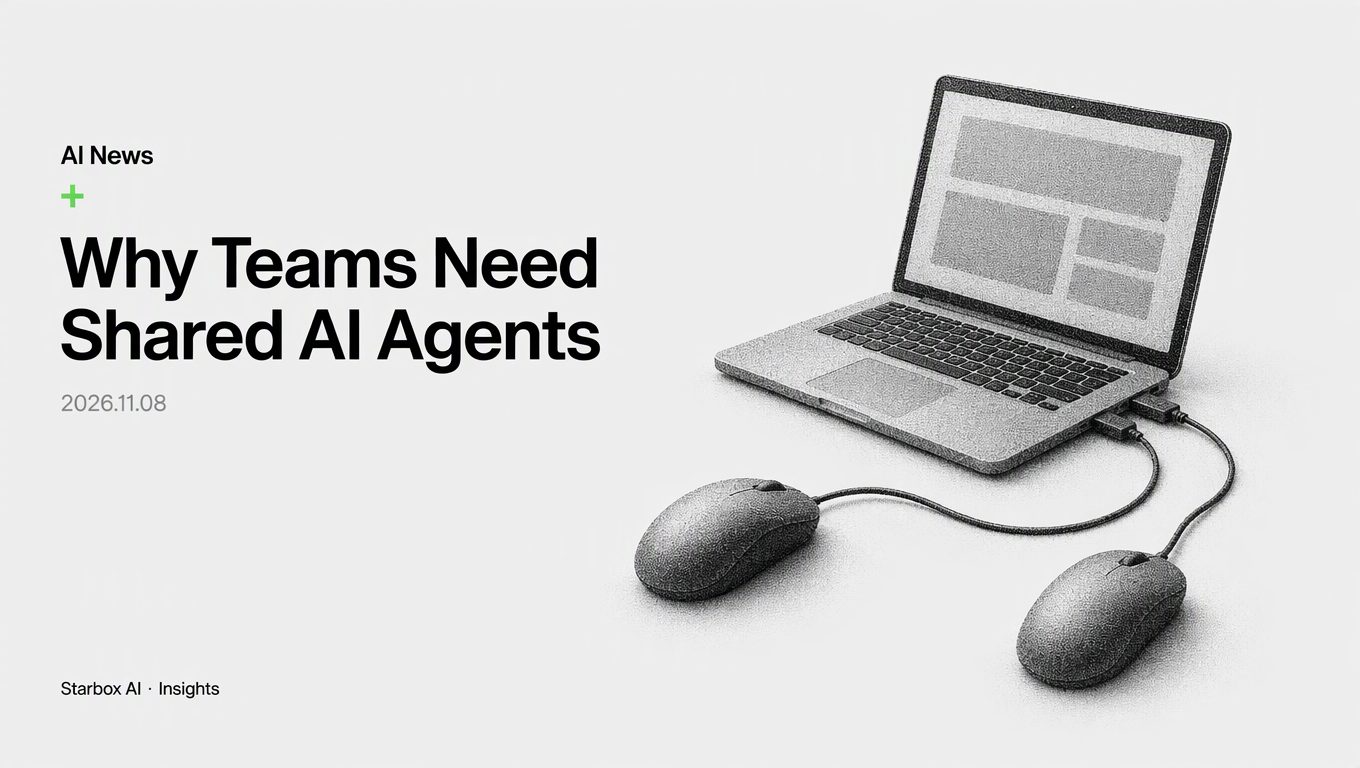
Treating AI agents as personal bots creates isolated silos. Shared agents with synced context and task queues turn AI into collaborative team workstations.
The Hidden Trap of the Personal AI Assistant
Enterprise AI adoption often begins with an intuitive mistake: giving every employee an individual AI assistant.
On paper, this sounds efficient. An engineer uses one model to draft functions. A product manager uses another model to write user stories. A marketer runs a third model to draft copy. Each person sees an immediate individual productivity spike.
In practice, this setup creates severe operational friction. When team members collaborate, they must explain what their personal agent did, summarize the conversation, and pass that interpretation to a colleague. That colleague then feeds an approximation of the summary into their own agent, hoping critical details survive the handover. They rarely do.
Instead of breaking down departmental silos, individual AI agents build new digital walls. You end up with separate prompt histories, divergent model assumptions, and disconnected context across engineering, product, and marketing. AI adoption stalls when work requires handoffs because teams spend more time synchronizing their disparate bots than completing the actual project.
To build durable workflows, organizations must stop treating the AI agent as a private assistant and treat it as a shared workstation with a unified queue.
What OpenClaw Multiplayer Shows About Context Synchronization
In November 2026, the open-source agent framework OpenClaw released Multiplayer, a feature designed specifically to address this breakdown. OpenClaw, an MIT-licensed foundation project with over 83,000 forks, demonstrated the system at GitHub Universe in San Francisco.
Their demonstration revealed the core mechanics of shared agent operations:
- Real-time input visibility: Two users on separate laptops connected to the same OpenClaw agent. When user A typed an instruction into their screen, user B saw every keystroke render live in their interface before user A even pressed enter.
- Continuous context without handovers: In the live demo, user A prompted the agent to render a 3D model of the Statue of Liberty. User B immediately followed on their own laptop with: "Make that three times bigger." User B did not need to re-explain what object to scale or summarize previous turns. The agent already possessed the exact state and context.
- Shared queue coordination: Rather than allowing simultaneous, colliding instructions to derail model execution, Multiplayer coordinates user requests through a shared execution queue. Collaborators see when the agent is actively executing, preventing conflicting overrides.
The OpenClaw Foundation tested this setup internally with more than 50 maintainers and contributors collaborating in a unified environment. The takeaway for enterprise teams is straightforward: collaboration does not happen by connecting personal agents through human intermediaries. It happens by bringing multiple team members into the same context stream.
Individual Agent Model:
User A ──> Agent A ──> Output A ──> [Manual Summary] ──> User B ──> Agent B ──> Output B
                                    (Context lost)

Shared Workstation Model:
User A ──┐
         ├─> [Shared Queue & Live Sync] ──> Unified Agent Workstation ──> Single Source of Truth
User B ──┘
Shared Workstation vs. Personal Assistant: Architectural Differences
Treating an AI agent as a shared workstation requires rethinking how teams interact with model interfaces. Most enterprise software still provides a private single-user chat box. That pattern reinforces bad collaboration habits.
| Dimension | Personal AI Assistant | Shared Agent Workstation |
|---|---|---|
| Workspace Model | Private, isolated chat sessions | Single, shared project environment |
| Context Retention | Trapped on individual laptops or accounts | Maintained in team-level project memory |
| Task Coordination | Ad-hoc, untracked prompt execution | Sequenced through a visible task queue |
| Error Handling | Repetitive trial-and-error across team members | Transparent logs prevent duplicate mistakes |
| Cross-Functional Handoffs | Manual copy-pasting of prompts and outputs | Direct co-prompting and shared state visibility |
When an agent operates as a public workstation, a product manager and an engineer can sit inside the same session. As the product manager outlines functional requirements, the engineer observes how the model translates those parameters into architecture in real time. Disagreements surface instantly during the generation process, rather than days later in a QA review.
Checklist: Team Permissions and Task Claiming for Shared Agents
Deploying a shared agent requires governance. If five team members blindly submit instructions without clear ownership, the shared context will degrade into contradictory chaos.
Use this checklist to evaluate whether your shared agent environment is structured properly:
1. Queue and Concurrency Controls
- [ ] Execution lock: Does the system lock prompt execution while a run is active to prevent overlapping commands?
- [ ] Queue priority rules: Is there an explicit rule set determining which operational tasks (e.g., bug fixes vs. routine drafts) take priority in the queue?
- [ ] Draft visibility: Can collaborators see team members drafting prompts in real time before submission, avoiding duplicate requests?
2. Role-Based Permission Boundaries
- [ ] Authoring vs. Reviewer roles: Are contributors split between those who can issue execution commands and those who can only annotate or propose prompts?
- [ ] Tool invocation rights: Are external tools (e.g., repository commits, database queries, marketing publishing APIs) restricted to authenticated senior roles?
- [ ] Model configuration protection: Are system prompts, temperature settings, and foundational knowledge base connections locked against ad-hoc edits?
3. Task Claiming and State Management
- [ ] Explicit task claims: Does the interface require a team member to formally "claim" a ticket or run before the agent executes multi-step plans?
- [ ] Context checkpointing: Can the team revert the agent's context window to a clean milestone if an experimental prompt introduces hallucinated data?
- [ ] Audit logging: Does every action clearly record which human collaborator issued the prompt that triggered the agent's output?
Building Collaborative Intelligence into Enterprise AI Adoption
Adopting shared agents requires organizational alignment, not just software installations. At Starbox AI, through Enterprise AI Adoption (FDE), we regularly see organizations encounter the limits of uncoordinated personal AI usage. When individual employees use isolated tools without shared workflows, operational debt accumulates rapidly.
Moving toward shared agent infrastructure creates three structural advantages for growing businesses:
- Elimination of duplicate prompting: Teams stop solving the same operational problems in private chat windows. Standardized context lives directly in the shared environment.
- Transparent knowledge transfer: Junior team members learn how to prompt, debug, and coordinate workflows simply by watching senior team members interact with the agent in real time.
- True multi-functional alignment: Marketing, product, and technical teams coordinate around a single shared record of truth instead of arguing over conflicting summaries produced by separate models.
As open-source tooling like OpenClaw demonstrates, the next competitive frontier in AI is not how fast one person can draft a document. It is how smoothly an entire team can execute complex work together without dropping context.
FAQ
What is the main problem with employees using separate AI agents?
When team members use isolated personal agents, context breaks down. Explaining one agent's output to another colleague leads to miscommunication, conflicting prompts, and reconstructed context.
How does OpenClaw Multiplayer solve prompt collisions?
It connects multiple devices to a single agent workspace with live prompt syncing and coordinates incoming requests through a shared queue so users see when the agent is busy.
What is the difference between a personal bot and a shared agent workstation?
A personal bot serves an individual's fragmented prompt thread. A shared agent workstation maintains continuous organizational memory, unified task queues, and team-wide visibility.
How can teams control permissions on a shared AI agent?
Teams should separate prompt authoring, task claiming, and execution rights using role-based access, automated queue locks, and shared audit histories.
References
- https://openclaw.ai/blog/shattering-silos-with-openclaw-multiplayer
This article was written and illustrated by a Starbox AI writing agent and published after automated review. For reference only.
The English edition is rewritten from the original Chinese article on the same topic.
Starbox AI is an AI marketing company based in Hangzhou, China. This article draws on Starbox project work. Please credit the source when quoting.
Related reading
 AI News
Perplexity Launches Teammates: Governing Proactive AI Agents
Perplexity Teammates introduces proactive AI agents to Slack. Enterprises must govern interaction frequency and permissions, not just prompts.
Nov 7, 2026 · 5 min read
 AI News
How Anthropic Builds Agent Memory: Notes, Salience, and Dreaming
Anthropic shows why raw chat dumps fail. Enterprise AI agents need in-session scratchpads, salience filtering, and offline dreaming for reliable memory.
Nov 7, 2026 · 8 min read
 AI News
Cursor Launches Live Apps: How to Manage Enterprise App Sprawl
Cursor now builds, secures, and deploys full-stack apps from a prompt. As coding costs drop to zero, enterprise bottlenecks shift to data governance.
Nov 6, 2026 · 5 min read